


 WhatsApp
 Telegram
 Line
LineDelivery
Cannabis delivery in Phuket: start safely
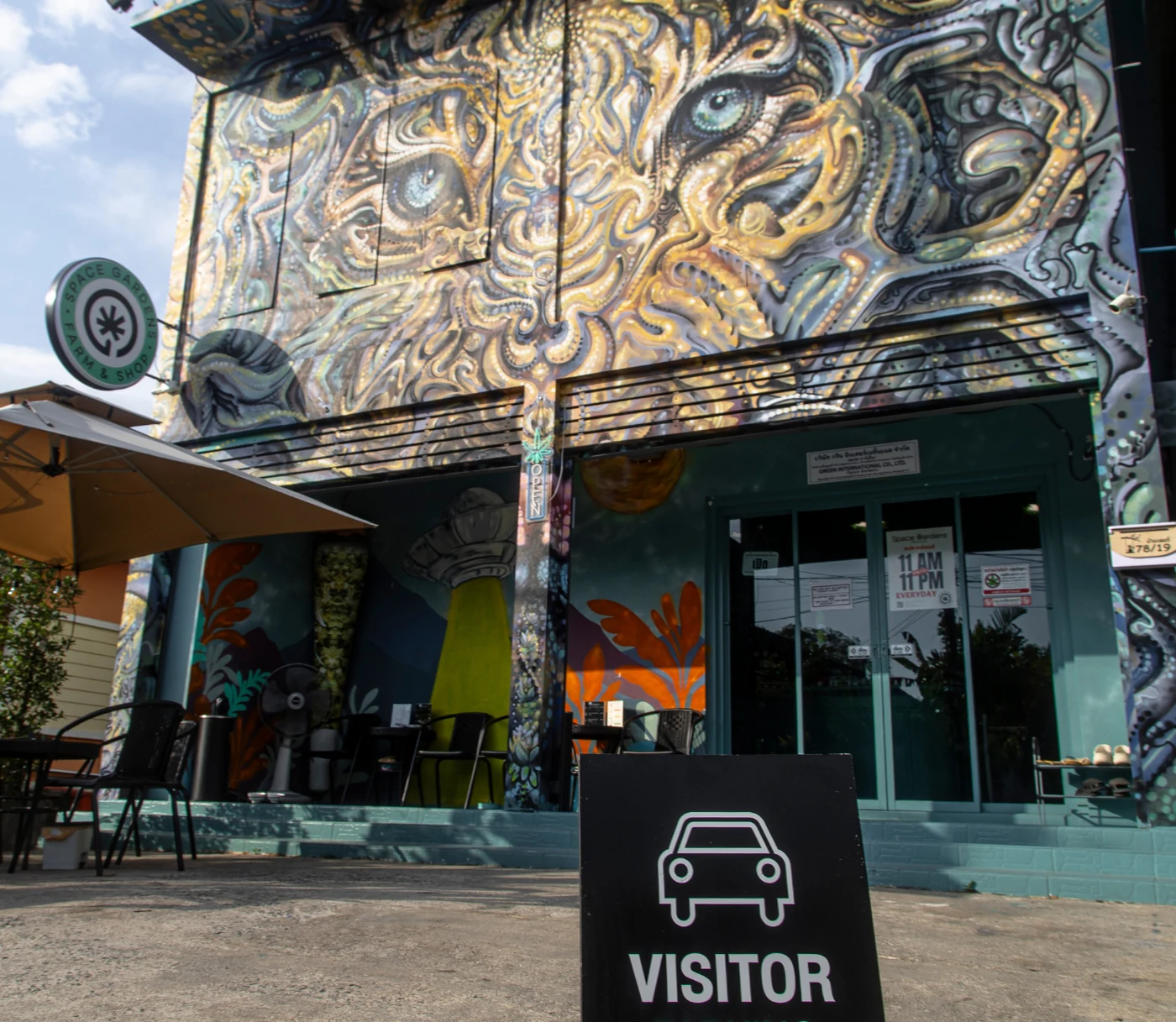
Start with a simple question
Tell us your Phuket area and whether you prefer pickup or a service enquiry. We’ll explain the next step and confirm what information is actually needed.
Availability, documentation and service area are confirmed individually. Medical decisions are made only by the medical professional reviewing the request.
What to send in the first message
Start with the minimum information. Share sensitive details only after the recipient and purpose have been confirmed.
Safe to share first
- Confirmation that you are 21+
- Phuket district
- Pickup or service question
- Product-page link
- Hotel or villa name and a landmark
Do not send before confirmation
- Passport copy
- Room number or access code
- Full address or coordinates
- Health information
- Document photographs
How the checks work
| Check | Who is responsible | What it does not confirm |
|---|---|---|
| Medical review | Medical professional | Stock or service |
| Identity match | Document recipient | Medical decision |
| Current stock | Space Gardens | Service area |
| Area and access | Space Gardens | Medical document |
Common situations
Hotel guest
Share the Phuket district and hotel name first. Wait for confirmation before sending a room number or reception instructions.
Private villa
Start with the area and a public landmark. Keep live coordinates, gate codes and passport images private until they are actually needed.
Details do not match
Pause the request and ask the medical professional who issued the document to correct it. Space Gardens does not edit PT33 fields.
Questions before sending a passport
Ask which organisation receives the information, which fields are needed, why an image is required, who can access it and how any additional copy is handled. Typed details may be sufficient for an early question. Use only a confirmed channel and never place passport or room information in a public comment or review form.
PT33 at a glance
The official English PT33 form records the medical document. Operational questions are confirmed separately.
PT33 records
- Patient identity
- Prescriber and licence
- Prescribed quantity
- Validity period and signatures
Still needs confirmation
- Current stock
- Service area
- Hotel or villa access
- Airport and travel rules
If details do not match
Pause and contact the medical professional who issued the document. Do not correct a patient name, passport number, licence field, quantity, period or signature yourself, and do not ask store staff to edit it. If an official field remains unclear, contact the DTAM Controlled Herb Service Center.
Important limits and safety notes
Availability, documentation and service area are confirmed individually. PT33 does not reserve stock, confirm hotel access or provide airport and travel permission. Stop if an unconfirmed account asks for sensitive information, promises automatic approval or presents a form without licence and signature fields. Check the current DTAM portal when official requirements are unclear.
Space Gardens support
Need help understanding the next step?
Our team can explain what information is needed before you share any document. We do not make medical decisions or alter prescriptions.
FAQ
Should I send my passport in the first delivery message?
No. First confirm the recipient, purpose, required fields and data-handling process. Send sensitive information only through the confirmed channel when it is actually required.
Does a prescription guarantee delivery?
No. Medical documentation, stock, area, timing and current seller checks are separate.
What location detail is useful at first?
Start with the Phuket district, hotel or villa name and a landmark. Share a precise room or access detail only after the service is confirmed.
Can store staff change PT33 fields?
No. Medical fields and corrections belong with the qualified issuing professional.
What should I do if the passport number does not match PT33?
Pause the request and contact the issuing professional through the confirmed channel. Do not edit the document or ask store staff to change it.
Where should current rules be checked?
Use the DTAM controlled-herb portal and official PT33 form, and contact the DTAM service centre when an official requirement is unclear.
Official sources
Checked: 18 August 2026
- DTAM controlled-herb forms and noticesCurrent official forms, notices and controlled-herb updates.
- Official English PT33 controlled-herb prescription formPatient, prescriber, period, quantity, signature and retention fields.
- DTAM Controlled Herb Service CenterOfficial contact point for controlled-herb questions.
What changed in this review
On 18 August 2026 the editorial team re-opened the DTAM forms portal, English PT33 file and service-centre page. The page was simplified around a safe first message, document matching and direct source links. It does not state that delivery is legally available or guaranteed.
